Try our service free
→ Discover complimentary downloads without needing a payment method.
Browse free




macOS 27 Golden Gate Plug-ins Not Working? Fix Blank Windows and Frozen Presets
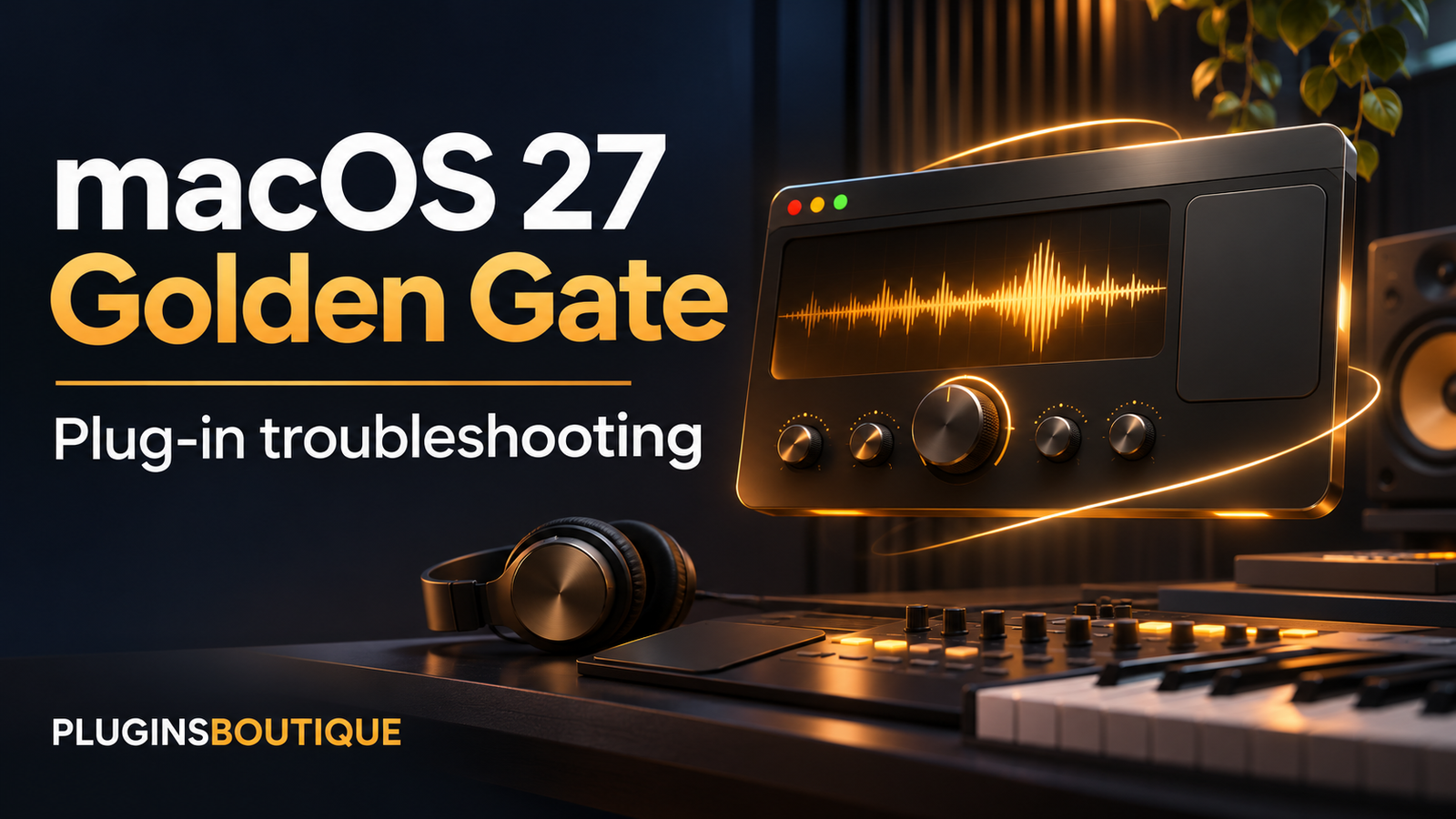
You open yesterday’s Logic session after installing macOS 27 Golden Gate. The track plays, but the plug-in window is blank. Or Serum 2 opens, and the preset browser freezes. These symptoms call for different checks. Start with a fresh project and one plug-in before changing your whole studio setup.
Start here: play a note and open a fresh instance
Save a copy of the affected project. In a new empty project, add one instance of the plug-in with a factory preset and play a few notes. Then reopen the original project copy and compare. If the fresh instance works, focus on the saved instance, project settings, or the preset it loads. If the problem also happens in the empty project, record the exact macOS, DAW and plug-in versions and check the developer’s compatibility notes before reinstalling anything.
Blank plug-in window on macOS Golden Gate
If the plug-in still makes sound and the DAW responds, close just the plug-in window and reopen it once. If it stays blank, quit and relaunch the DAW, then check the same plug-in in the empty project. If you use an external monitor, try opening the window on the Mac’s main display and take note of any difference. That comparison can help support reproduce the problem.
If a fresh instance also shows a blank window, install a vendor update that supports your DAW and macOS build, if one is available. Save a screenshot and the versions you tested. If only an older saved instance is affected, keep the original project and compare it with a new instance on a duplicate track. If the old track still plays, bounce it to audio before replacing anything. Apple recommends checking third-party hardware and software compatibility when problems start after an update. Apple’s Logic Pro update troubleshooting.
Omnisphere or Serum 2 preset browser freezes
Try this if the DAW is still responsive: open the plug-in, close its window without removing the instrument, then reopen it and try a factory preset. This is a temporary workaround for the behavior reported in some sessions. A successful reopen helps you get back to the track, but the freeze may return.
Next, compare one factory preset with one user preset. If the freeze happens only with an expansion on an external drive, check that the drive is mounted and that the library still appears at the location the plug-in expects. If a factory preset also freezes in an empty session, record whether it happens as soon as you open the browser or only when you select a sound. That detail helps distinguish a browser issue from a preset loading issue. Keep a backup of user presets, wavetables and samples before moving folders or reinstalling.
Spectrasonics lists the latest Omnisphere 3 as compatible with Golden Gate. Its compatibility list for Omnisphere 2 stops at Tahoe. For Serum 2, use Xfer’s current installer and check release notes for your exact build. Xfer documents AU, VST3 and AAX formats, and its installer requires selecting VST3 when installing AU or AAX. Spectrasonics macOS compatibility · Xfer Serum 2 installation guide.
Plug-in missing in Logic Pro after updating? Check Audio Units
Logic Pro loads third-party Audio Units (AU). If a plug-in appears in another DAW but is missing in Logic, check whether its AU component was installed. In Logic Pro, open Settings → Plug-In Manager and look for the plug-in and its validation status. If the plug-in was just installed or updated and still doesn’t show, Apple documents Full Audio Unit Reset in Plug-In Manager. Quit and reopen Logic to rescan. Allow time for a full scan, especially on a large installation. If the plug-in already loads and its window alone is blank, start with the window checks above. Apple’s Audio Unit rescan guide.
Before upgrading a Mac you use for paid sessions
Check the exact versions of your DAW, key instruments, effects, audio interface driver and any licensing software. Apple publishes separate macOS 27 release notes, and DAW vendors can list compatibility by build. Steinberg, for example, lists Cubase 16.0.5 on its Golden Gate compatibility page. A supported DAW still leaves each third-party plug-in to verify individually. Apple’s macOS 27 release notes · Steinberg’s Golden Gate compatibility list.
Back up active projects and export stems from sessions you need to deliver. Test a copy of a real project with your usual buffer size and audio interface. Open the presets you rely on, play the busiest section, and export a short bounce. If an essential plug-in lacks support and you have a deadline, finish the job on the setup you already know works.
Keep working on your Serum 2 session
If the preset browser still hangs, follow our Logic Pro 13 troubleshooting guide for Serum 2 and Omnisphere. Once playback and preset loading are stable, try our Serum 2 808 and bass tutorial to choose and tune a patch in context. Looking for more sounds? View Serum 2 with preset expansions and check the platform and product details before buying.