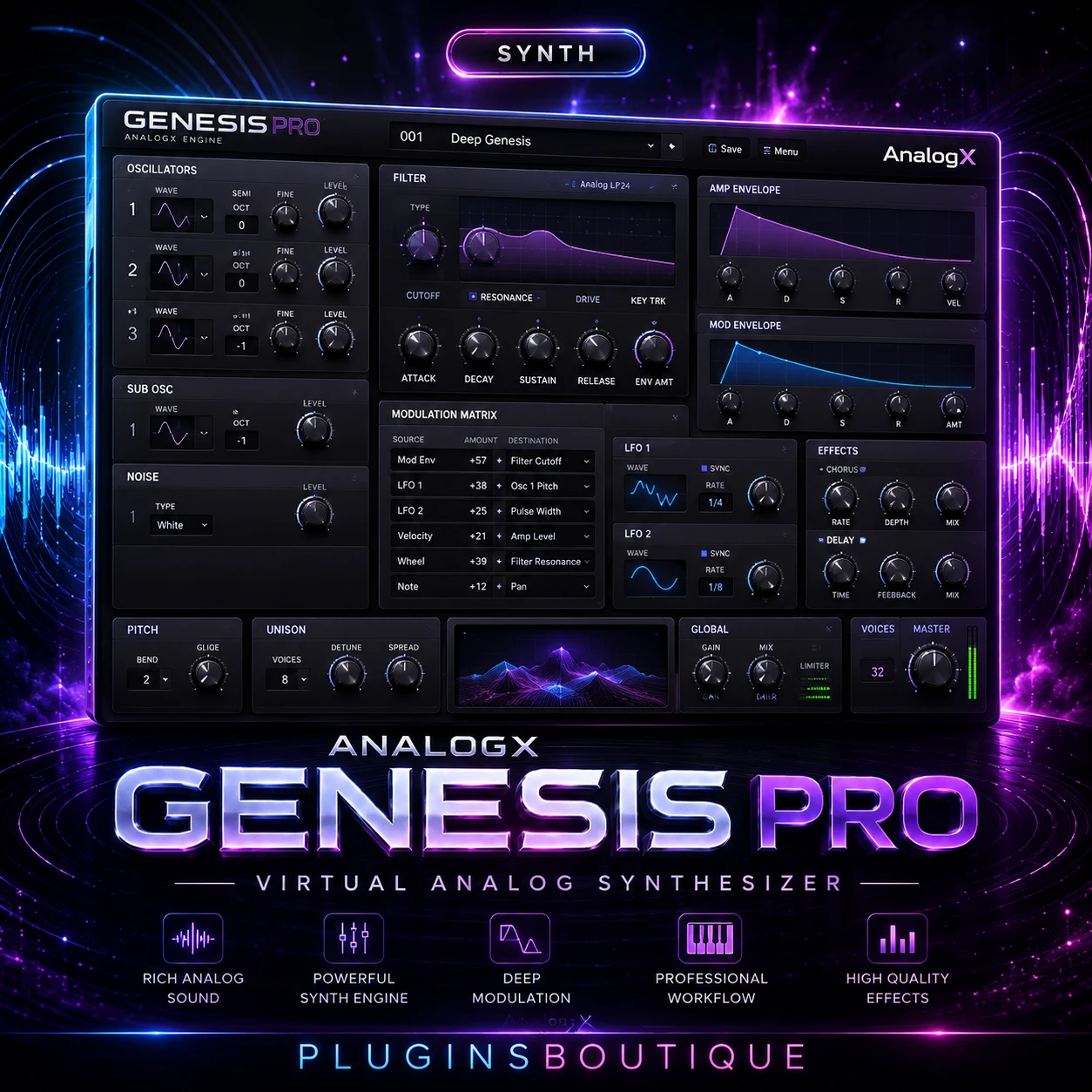
AnalogX Genesis Pro
AnalogX Genesis Pro takes a different approach to modern in-the-box mixing by moving analog modeling workloads toward the GPU.
Instead of treating the CPU as the only processing engine, Genesis Pro is designed around a GPU-powered mixing ecosystem. AnalogX describes it as a system capable of running large numbers of analog-style processing instances while leaving more CPU resources available for synthesizers, reverbs, virtual instruments and other demanding tasks.
The result is a workflow aimed at producers and engineers who want the character associated with analog equipment while working entirely inside a DAW.
A GPU-Powered Mixing Ecosystem
Genesis Pro is more than a single conventional analog-emulation plugin.
AnalogX describes Genesis as the engine at the center of its ecosystem. Expansion packs can provide different modeled pieces of studio equipment, allowing the Genesis environment to become a collection of virtual processing tools inside your DAW.
The system is designed around analog modeling intended to reproduce characteristics associated with equipment such as vintage consoles, compressors, tape machines, preamps and complete signal chains.
Why GPU Processing Matters
Traditional audio plugins generally rely heavily on the computer’s CPU. As projects become larger and producers use more sophisticated modeling, CPU consumption can become an important limitation.
Genesis Pro approaches this differently.
The official AnalogX description says the system can use GPU processing for its analog modeling while allowing the CPU to remain available for other demanding parts of a session. It also allows users to switch between CPU and GPU instances.
This creates an interesting hybrid workflow.
You can use CPU processing where appropriate and GPU processing when you want to shift the workload away from the main processor.
Real-Time Neural Processing
Genesis Pro is designed to run AnalogX’s high-quality emulations and NAM profiles with low CPU overhead per instance.
AnalogX specifically highlights the ability to run hundreds of emulation instances with minimal CPU drag and very low latency.
For engineers working on large sessions, this can be particularly interesting because analog-style processing is often used repeatedly throughout a mix.
Instead of using a single processor on a master bus, a producer might want console-style processing on many channels, groups, buses and other parts of a session.
Hybrid CPU and GPU Workflow
One of Genesis Pro’s defining features is the ability to switch between CPU and GPU processing.
AnalogX presents this as a hybrid workflow where users can track using CPU processing and move mixing workloads to the GPU when appropriate.
That distinction can be useful during production.
Low-latency tracking can prioritize responsiveness, while mixing can take advantage of GPU processing when the session becomes more complex.
Analog-Style Mixing
Genesis is designed to provide access to modeled analog processing directly inside a DAW.
AnalogX specifically describes workflows involving large console-style setups, tape-style summing chains and analog-inspired processing.
The ecosystem is intended to cover different stages of a production, from individual channels to groups, buses and broader mix processing.
Expansion Pack Ecosystem
One of the important concepts behind Genesis is its expansion system.
Instead of being locked into a single processing model, Genesis can load different expansion packs representing different types of analog equipment and processing chains.
AnalogX describes its ecosystem as covering hardware-inspired categories including consoles, compressors, tape machines and preamps.
This modular approach allows producers to expand the Genesis environment according to their mixing needs.
Keeping the CPU Available
Large music-production projects can contain demanding synthesizers, virtual instruments, reverbs and other effects.
Genesis Pro’s GPU approach is designed to help separate analog-modeling workloads from those CPU-heavy tasks.
AnalogX specifically highlights the ability to keep demanding synthesizers, reverbs and virtual instruments running while the GPU handles the Genesis processing.
This is one of the most interesting aspects of the system for producers working with large sessions.
Faster Bounce Workflows
AnalogX also highlights faster bounce times as one of the advantages of its GPU-powered approach.
The company says Genesis Pro can render neural sessions faster while maintaining mix consistency.
The practical benefit depends heavily on the computer and GPU being used, but the concept is straightforward: use dedicated GPU resources for intensive processing rather than putting every workload onto the CPU.
Genesis Pro on Mac
Genesis Pro currently supports Apple Silicon systems.
The official requirements list:
- Apple Silicon M1
- M2
- M3
- M4
- M5
- Pro, Max and Ultra variants
- Minimum 16 GB RAM
- 32 GB recommended
- macOS 13.0 or later
This means Genesis Pro is specifically aimed at modern Apple Silicon production systems rather than older Intel-based Macs.
Genesis Pro on Windows
Windows users need a compatible GPU.
AnalogX currently lists NVIDIA RTX 2000, 3000, 4000 and 5000 series GPUs, with a minimum of 8 GB VRAM.
For AMD, the official page lists RX 7000 and RX 9000 series GPUs, also with a minimum of 8 GB VRAM.
AnalogX recommends an NVIDIA RTX 3060 with 12 GB VRAM or AMD RX 6700 XT with 12 GB VRAM as Windows configurations.
Driver Requirements
Windows users should pay particular attention to GPU drivers.
AnalogX states that the latest official NVIDIA or AMD drivers should be installed directly from the hardware manufacturer.
The company specifically says drivers supplied through Windows Update are not supported.
Who Is Genesis Pro For?
Genesis Pro is primarily aimed at producers, mixing engineers and sound professionals who want analog-style processing while taking advantage of modern GPU hardware.
It is especially interesting for users who:
- Work on large sessions
- Use many analog-modeling processors
- Have a capable modern GPU
- Want to reduce CPU load
- Like analog-style console processing
- Want expandable processing libraries
- Work on Apple Silicon Macs
- Use compatible NVIDIA or AMD GPUs on Windows
Final Verdict
AnalogX Genesis Pro is an unusual approach to modern music production because its central idea is not simply another analog-modeling plugin.
It is an entire GPU-powered mixing ecosystem designed to move intensive analog-style processing away from the CPU and into the GPU.
Its combination of neural processing, CPU/GPU switching, analog modeling, expansion packs and large-session optimization makes it particularly interesting for producers and engineers with compatible hardware.
4. KEY FEATURES
- GPU-powered analog mixing
- Analog modeling ecosystem
- CPU/GPU switching
- Real-time neural processing
- Support for NAM Profiles
- Low CPU overhead per instance
- Low-latency workflow
- Large-scale analog-style mixing
- Console-inspired processing
- Tape-style summing chains
- Expansion pack ecosystem
- Fast neural-session rendering
- Apple Silicon support
- NVIDIA GPU support on Windows
- AMD GPU support on Windows
- 14-day trial available from AnalogX
5. SYSTEM REQUIREMENTS
Mac
- Apple Silicon M1 / M2 / M3 / M4 / M5
- Pro / Max / Ultra supported
- 16 GB RAM minimum
- 32 GB RAM recommended
- macOS 13.0 or later
Windows — NVIDIA
- RTX 2000 series
- RTX 3000 series
- RTX 4000 series
- RTX 5000 series
- Minimum 8 GB VRAM
- Recommended: RTX 3060 12 GB VRAM
Windows — AMD
- RX 7000 series
- RX 9000 series
- Minimum 8 GB VRAM
- Recommended: RX 6700 XT 12 GB VRAM
Driver: Use current official NVIDIA/AMD drivers downloaded directly from the manufacturer. AnalogX says Windows Update-supplied GPU drivers are not supported.
6. PRODUCT FAQ
What is AnalogX Genesis Pro?
AnalogX Genesis Pro is a GPU-powered analog mixing plugin and ecosystem designed for analog modeling and large-scale mixing workflows.
Is Genesis Pro a synthesizer?
No. Genesis Pro is primarily a mixing and analog-modeling system, not a synthesizer.
Does Genesis Pro use the GPU?
Yes. GPU processing is one of its central features, allowing analog-modeling workloads to be handled by compatible graphics hardware.
Does Genesis Pro work on Mac?
Yes. The current official requirements support Apple Silicon M1 through M5 systems running macOS 13 or later.
Does Genesis Pro work on Windows?
Yes, but Windows users need a compatible NVIDIA or AMD GPU with at least 8 GB VRAM according to the current requirements.
Can Genesis Pro use CPU processing?
Yes. Genesis Pro supports switching between CPU and GPU instances.
Does Genesis Pro support NAM Profiles?
Yes. AnalogX states that Genesis Pro can run NAM Profiles with low CPU overhead.
How much RAM does Genesis Pro require on Mac?
The official minimum is 16 GB RAM, with 32 GB recommended.
Does Genesis Pro include analog-style processing?
Yes. The Genesis ecosystem is designed around analog modeling covering equipment categories such as consoles, compressors, tape machines and preamps.
















 Download instantly from PluginsBoutique
 Instant Digital Delivery






Reviews
Clear filtersThere are no reviews yet.