Try our service free
→ Discover complimentary downloads without needing a payment method.
Browse free




AnalogX Genesis Pro Review: GPU-Powered Analog Mixing Explained
By PluginsBoutique Team · August 8, 2026
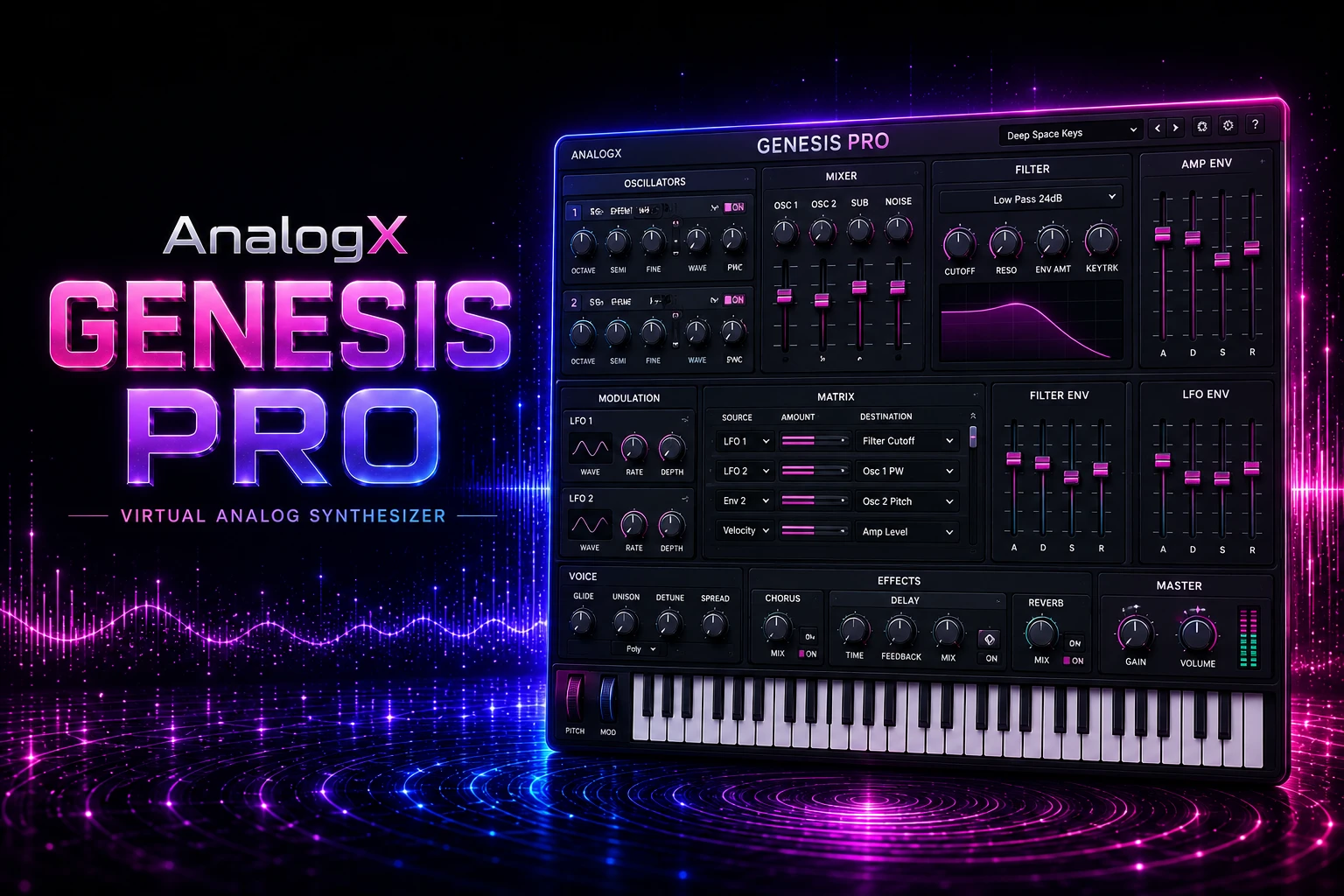
MIXING & MASTERING
AnalogX Genesis Pro
A GPU-powered analog mixing ecosystem designed to bring analog-style modeling, neural processing and large-scale mixing workflows into your DAW while taking advantage of modern GPU hardware.
Genesis Pro 2.1.1
GPU-Powered Mixing
Mac & Windows
AnalogX
AnalogX Genesis Pro takes a different approach to analog-style mixing by moving demanding modeling workloads toward the GPU. AnalogX describes Genesis as the engine at the heart of its analog mixing ecosystem, designed for large sessions containing console, compressor, tape, preamp and other hardware-inspired processing.
What Is AnalogX Genesis Pro?
Genesis Pro is not a traditional synthesizer or simple analog-emulation effect. It is the core of AnalogX's GPU-powered analog mixing ecosystem, designed to run analog-style processing inside a DAW.
AnalogX describes Genesis as an engine built around its HQ 2 analog modeling technology. The ecosystem can cover hardware-inspired processing including vintage consoles, compressors, tape machines, preamps and complete signal chains.
Each expansion pack can effectively become another piece of virtual studio equipment inside the Genesis environment, allowing the system to grow with your mixing workflow.
GPU
GPU-powered analog processing
M1–M5
Apple Silicon support
8GB+
Minimum Windows GPU VRAM
Explore AnalogX Genesis Pro
Want to explore the product available at PluginsBoutique? Visit the AnalogX Genesis Pro product page for the current product information.
Why GPU-Powered Mixing Changes the Workflow
Traditional audio production can place a significant processing burden on the CPU, especially when a project contains many sophisticated analog-modeling instances.
Genesis Pro approaches this problem by allowing compatible GPU hardware to handle the analog-modeling workload. AnalogX says the system is designed to let producers run large numbers of emulation instances while keeping more CPU resources available for synthesizers, reverbs and virtual instruments.
The result is a hybrid workflow where CPU and GPU processing can be selected according to the needs of the session.
01
Real-Time Neural Power
Genesis Pro is designed to run AnalogX emulations and supported NAM Profiles with low CPU overhead and very low latency.
02
CPU / GPU Switching
Switch between CPU and GPU instances according to your workflow. Track with low-latency CPU processing and move heavier mixing workloads toward the GPU.
03
Analog-Scale Mixing
Build large console-style mixing environments and use tape-inspired summing chains directly inside your DAW.
04
More CPU Headroom
Keep CPU resources available for demanding synthesizers, reverbs, virtual instruments and other creative processing.
Track on CPU. Mix on GPU.
Genesis Pro is designed around a flexible hybrid workflow. CPU processing can prioritize responsive tracking, while GPU processing can take over demanding analog-style mixing workloads when your session becomes more complex.
Analog Modeling and Studio Hardware
Genesis Pro is built around the idea of bringing analog hardware behavior into the digital studio. Instead of treating analog modeling as a single plugin category, the Genesis ecosystem can expand into different types of virtual studio equipment.
- Vintage-style console processing
- Compressor emulations
- Tape-machine inspired processing
- Preamp-style analog character
- Summing and signal-chain workflows
- NAM Profile support
- Large multi-instance mixing sessions
Genesis Pro Expansion Ecosystem
One of the interesting parts of Genesis Pro is its expansion-based approach. Rather than being limited to one fixed processor, the Genesis environment can grow through additional AnalogX expansion packs.
AnalogX describes these expansions as new pieces of gear inside the DAW. This makes the system more comparable to building a virtual analog studio than simply purchasing another isolated mixing plugin.
Fast Bounce and Large Sessions
GPU acceleration can also become valuable when projects contain many analog-modeling instances. AnalogX highlights faster bounce times and the ability to render neural sessions more quickly while maintaining mix consistency.
The actual performance advantage will depend on the computer, GPU and complexity of the session, but the underlying idea is to use dedicated GPU resources for processing that might otherwise compete for CPU power.
AnalogX Genesis Pro on Mac
Genesis Pro currently supports Apple Silicon Macs. AnalogX lists M1, M2, M3, M4 and M5 processors, including Pro, Max and Ultra variants.
The current official requirements specify macOS 13.0 or later, with 16 GB RAM as the minimum and 32 GB recommended.
AnalogX Genesis Pro on Windows
Windows users need a compatible graphics card because GPU processing is central to the Genesis Pro workflow.
AnalogX currently lists NVIDIA RTX 2000, 3000, 4000 and 5000 series GPUs, with a minimum of 8 GB VRAM. AMD support includes RX 7000 and RX 9000 series GPUs, also with a minimum of 8 GB VRAM.
AnalogX recommends an NVIDIA RTX 3060 with 12 GB VRAM or an AMD RX 6700 XT with 12 GB VRAM for Windows.
Mac Requirements
- Apple Silicon M1–M5
- Pro / Max / Ultra supported
- 16 GB RAM minimum
- 32 GB RAM recommended
- macOS 13.0 or later
Windows GPU Requirements
- NVIDIA RTX 2000–5000 series
- AMD RX 7000–9000 series
- 8 GB VRAM minimum
- RTX 3060 12 GB recommended
- RX 6700 XT 12 GB recommended
GPU Driver Requirements
Windows users should pay particular attention to their GPU drivers. AnalogX recommends installing the latest official NVIDIA or AMD drivers directly from the hardware manufacturer.
According to the official requirements, drivers supplied through Windows Update are not supported. Keeping the graphics driver current is therefore an important part of maintaining a compatible Genesis Pro setup.
Who Is AnalogX Genesis Pro For?
Genesis Pro is particularly interesting for producers, engineers and sound professionals who want analog-style processing but also have modern GPU hardware capable of supporting the system.
A
Mixing Engineers
Build large analog-inspired processing chains while keeping more CPU resources available for other parts of the mix.
B
Music Producers
Add analog-style console, tape and hardware character to modern digital productions.
C
Large-Session Users
Producers working with many processing instances can use GPU acceleration to help manage their analog-modeling workload.
D
Modern Mac & PC Studios
Apple Silicon users and producers with compatible NVIDIA or AMD GPUs can take advantage of the Genesis Pro architecture.
Is AnalogX Genesis Pro Worth It?
AnalogX Genesis Pro stands out because it approaches analog mixing from a different technical direction. Rather than relying entirely on CPU processing, Genesis moves compatible analog-modeling workloads toward the GPU.
The combination of CPU/GPU switching, neural processing, analog modeling, expansion packs and large-session workflows makes Genesis Pro an interesting option for producers who have compatible hardware and want to build a more extensive analog-style mixing environment.
For Apple Silicon users and Windows producers with supported GPUs, Genesis Pro offers a distinctive way to combine modern computer hardware with analog-inspired studio processing.
View AnalogX Genesis Pro
Ready to explore Genesis Pro? Visit the AnalogX Genesis Pro product page on PluginsBoutique for the current product details.
Frequently Asked Questions
What is AnalogX Genesis Pro?
AnalogX Genesis Pro is a GPU-powered analog mixing plugin and ecosystem designed for analog modeling and large-scale mixing workflows.
Is Genesis Pro a synthesizer?
No. Genesis Pro is primarily a mixing and analog-modeling system rather than a synthesizer.
Does Genesis Pro use GPU processing?
Yes. GPU processing is one of Genesis Pro's central features, allowing compatible graphics hardware to handle analog-modeling workloads.
Does Genesis Pro support CPU processing?
Yes. Genesis Pro supports switching between CPU and GPU instances according to the needs of the session.
Does Genesis Pro work on Mac?
Yes. The current official requirements support Apple Silicon M1 through M5 systems running macOS 13 or later.
Does Genesis Pro work on Windows?
Yes. Windows users need a compatible NVIDIA or AMD GPU with at least 8 GB VRAM according to the current official requirements.
How much RAM does Genesis Pro require on Mac?
The current official minimum is 16 GB RAM, with 32 GB recommended.
What GPUs does Genesis Pro support on Windows?
AnalogX currently lists NVIDIA RTX 2000, 3000, 4000 and 5000 series GPUs, plus AMD RX 7000 and RX 9000 series GPUs, with 8 GB VRAM minimum.
Does Genesis Pro support NAM Profiles?
Yes. AnalogX states that Genesis Pro can run NAM Profiles with low CPU overhead and low latency.
Who is Genesis Pro best suited for?
Genesis Pro is particularly suited to producers, mixing engineers and sound professionals who want analog-style processing and have compatible modern GPU hardware.
Explore AnalogX Genesis Pro
Bring GPU-powered analog modeling, hybrid CPU/GPU processing and an expandable studio workflow into your DAW with AnalogX Genesis Pro.
View AnalogX Genesis Pro →
PLUGINSBOUTIQUE








