Try our service free
→ Discover complimentary downloads without needing a payment method.
Browse free




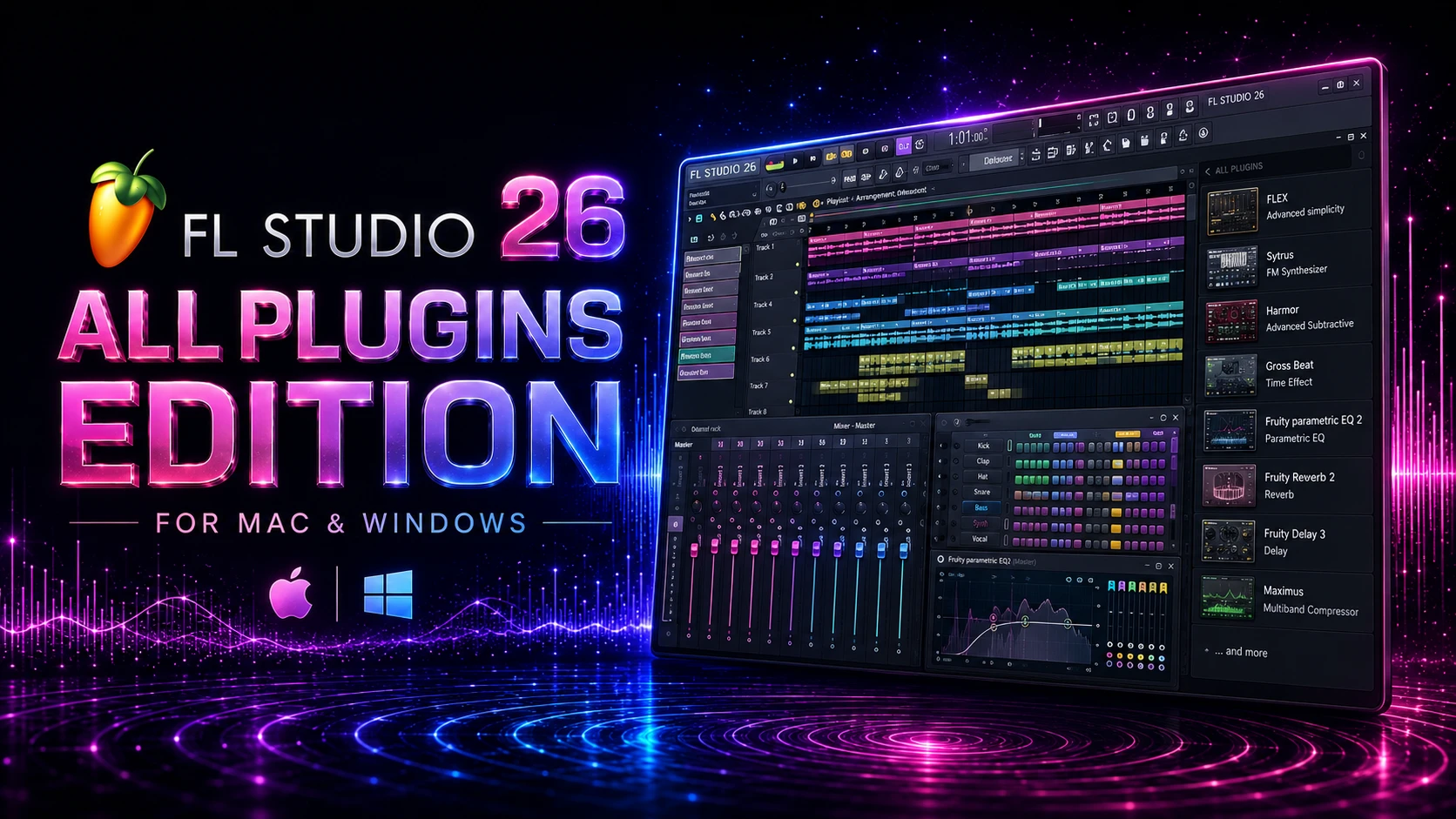
FL Studio 26 All Plugins Edition Review – Mac & Windows
By PluginsBoutique Team · August 8, 2026
DAW
FL Studio 26 All Plugins Edition
A complete guide to FL Studio 2026, including the All Plugins Edition, its full collection of instruments and effects, creative workflow, Mac and Windows support, and what makes the flagship edition different.
FL Studio 2026
All Plugins Edition
Mac & Windows
Image-Line
FL Studio 26 All Plugins Edition is the flagship edition of Image-Line's music production software, designed for producers who want access to the complete collection of native instruments, effects and tools available within the FL Studio ecosystem.
What Is FL Studio 26 All Plugins Edition?
FL Studio is a complete digital audio workstation designed for beatmaking, composition, recording, sound design, arrangement, mixing and mastering. The All Plugins Edition sits at the top of the FL Studio edition lineup and is designed for producers who want the complete native plugin collection rather than selecting a smaller edition.
Image-Line currently describes the All Plugins Edition as unlocking all instruments, effects and tools, with its current comparison showing access to 117 plugins. The collection continues to evolve as FL Studio develops, making the edition particularly interesting for producers who want a broad native production toolkit.
117
Plugins currently listed
Mac
macOS support
Windows
Windows support
Explore FL Studio 26 All Plugins Edition
See the current product information and availability on PluginsBoutique: FL Studio 26 All Plugins Edition .
What Do You Get With All Plugins Edition?
The biggest reason to choose the All Plugins Edition is the breadth of the included native software. Instead of limiting your workflow to a smaller selection of instruments and effects, the edition provides the complete collection described by Image-Line.
01
Complete Instruments
Explore a broad collection of native synthesizers and instruments for basses, leads, pads, textures, keys, experimental sounds and modern electronic production.
02
Complete Effects
The edition provides the full native effects collection for mixing, creative processing, modulation, dynamics, pitch processing, time manipulation and sound design.
03
Creative Workflow
FL Studio brings sequencing, arrangement, automation, recording and mixing together inside one flexible production environment.
04
Long-Term Updates
Image-Line's Lifetime Free Updates policy means owners continue receiving updates for their purchased edition without paying recurring major-version upgrade fees.
FL Studio Instruments and Synthesizers
One of the strongest aspects of the All Plugins Edition is its collection of native instruments. Instead of relying entirely on third-party synthesizers, producers can build complete tracks using instruments supplied within the FL Studio ecosystem.
Image-Line highlights instruments including Harmor, Kepler Exo, Sakura, Luxeverb and Ogun as part of the expanded All Plugins Edition experience.
This range gives sound designers access to different synthesis approaches and sound-design possibilities. Whether you are producing electronic music, cinematic textures, pop, hip-hop, house or experimental material, the native instrument collection provides a substantial starting point.
Built for Deep Sound Design
All Plugins Edition is especially attractive when your workflow depends on experimenting with different instruments rather than repeatedly purchasing individual plugins. The collection gives producers a large native palette for creating sounds directly inside FL Studio.
Mixing and Effects
FL Studio is not only a composition environment. Its native effects collection can also form the foundation of a complete mixing and production workflow.
The available tools cover creative processing, modulation, dynamics, frequency processing, time-based effects, pitch-related processing and other production tasks.
One well-known example is Gross Beat , which is designed for creative time and volume manipulation. Other native effects can be used to shape tone, dynamics, stereo information, movement and space.
FL Studio 26 for Music Production
FL Studio's workflow is built around flexibility. A project can begin with a simple drum pattern and develop into a full arrangement containing MIDI instruments, recorded audio, automation, effects and detailed mixer processing.
- Beatmaking and drum programming
- MIDI sequencing and piano-roll editing
- Audio recording
- Song arrangement
- Automation and performance control
- Sound design and synthesis
- Mixing and mastering
- Creative effects processing
FL Studio 26 on Mac
FL Studio is available for macOS and supports Apple Silicon Macs as well as Intel-based systems. This makes the software suitable for modern Mac production setups, including current Apple Silicon hardware.
Image-Line's current requirements list macOS 10.15 Catalina or newer, with 4 GB RAM and 4 GB of available disk space as minimum requirements. Actual requirements can be significantly higher depending on project size, plugin usage and sample libraries.
FL Studio 26 on Windows
Windows users can also run FL Studio with current supported Windows versions. The software can scale from relatively simple beatmaking projects to much larger arrangements containing multiple instruments, effects and recorded tracks.
The official minimum requirements list Windows 10 or Windows 11, 4 GB RAM and 4 GB free disk space. For larger productions, additional RAM, faster storage and a modern multi-core processor can provide a smoother experience.
macOS Minimum
- macOS 10.15 Catalina or newer
- Intel or Apple Silicon processor
- 4 GB RAM minimum
- 4 GB free disk space minimum
Windows Minimum
- Windows 10 or Windows 11
- Intel or AMD processor
- 4 GB RAM minimum
- 4 GB free disk space minimum
Lifetime Free Updates
Another major advantage of FL Studio is Image-Line's Lifetime Free Updates policy. According to Image-Line, customers receive future updates for their purchased edition without having to repeatedly pay for major version upgrades.
This makes FL Studio particularly appealing as a long-term production platform. Instead of rebuilding your plugin collection every time a major FL Studio release arrives, your purchased edition remains connected to the Lifetime Free Updates policy.
Who Is FL Studio All Plugins Edition For?
The All Plugins Edition makes the most sense for producers who want the complete FL Studio ecosystem and expect to use a wide range of native instruments and effects.
A
Beatmakers
Build beats, melodies, basslines and complete arrangements using FL Studio's integrated sequencing workflow.
B
Electronic Producers
Explore synthesizers, effects, automation and creative processing for modern electronic music.
C
Sound Designers
Use the extensive native instrument collection to create original sounds without relying exclusively on third-party instruments.
D
Professional Producers
Keep recording, arranging, mixing and sound design inside one complete production environment.
Is FL Studio 26 All Plugins Edition Worth It?
If your priority is having access to the complete collection of native FL Studio instruments, effects and tools, the All Plugins Edition is the most comprehensive option in the FL Studio lineup.
It is particularly compelling for producers who want to explore different synthesis techniques, creative effects and production workflows without constantly adding separate third-party plugins.
The combination of the complete native plugin collection, Mac and Windows compatibility, Apple Silicon support and Lifetime Free Updates makes it a strong long-term choice for producers who want the full FL Studio experience.
View FL Studio 26 All Plugins Edition
Ready to explore the product? Visit the FL Studio 26 All Plugins Edition product page on PluginsBoutique for the current product details.
Frequently Asked Questions
What is FL Studio 26 All Plugins Edition?
It is the flagship FL Studio edition that unlocks the complete collection of native instruments, effects and tools available in the All Plugins Edition.
How many plugins are included?
Image-Line currently lists 117 plugins for the All Plugins Edition. The collection continues to evolve as new native plugins and features are introduced.
Does FL Studio 26 work on Mac?
Yes. FL Studio is available for macOS and supports both Intel-based Macs and Apple Silicon systems.
Does FL Studio 26 work on Windows?
Yes. Current supported Windows versions include Windows 10 and Windows 11.
Does All Plugins Edition include Harmor?
Yes. Harmor is included in the expanded All Plugins Edition collection.
Does All Plugins Edition include Gross Beat?
Yes. Gross Beat is available in the higher FL Studio editions, including All Plugins Edition.
Does FL Studio support Apple Silicon?
Yes. FL Studio supports Apple Silicon Macs.
Does FL Studio receive free updates?
Image-Line provides Lifetime Free Updates for purchased FL Studio editions.
What is the minimum RAM requirement?
Image-Line currently lists 4 GB RAM as the minimum requirement. Larger projects can benefit from considerably more memory.
Who should choose All Plugins Edition?
It is best suited to producers, beatmakers and sound designers who want the complete native FL Studio instrument and effects collection.
Explore the Complete FL Studio Experience
FL Studio 26 All Plugins Edition brings the complete native instrument, effects and production toolkit together in one environment for Mac and Windows producers.
View FL Studio 26 All Plugins Edition →
PLUGINSBOUTIQUE








