Try our service free
→ Discover complimentary downloads without needing a payment method.
Browse free




WG DAW Converter Review: Convert Projects Between Pro Tools, Logic, Cubase & More
By PluginsBoutique Team · August 8, 2026
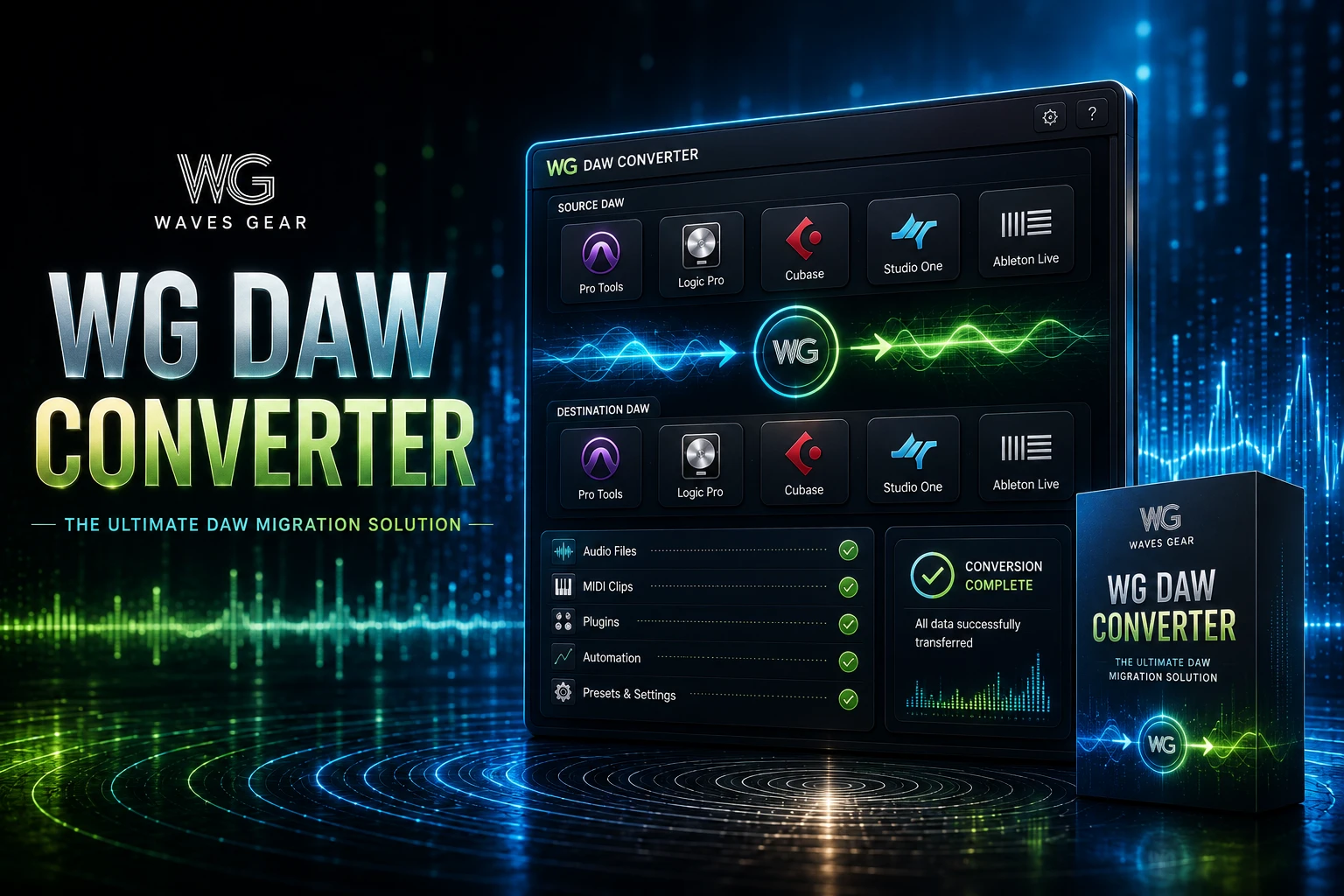
DAW PROJECT CONVERSION
WG DAW Converter
Move supported audio projects between different DAWs without requiring the original source DAW to be installed.
Pro Tools
Logic Pro
Cubase
Ableton
FL Studio
REAPER
WG DAW Converter is built for producers, engineers and studios that need to move projects between different DAWs without manually rebuilding every session from scratch.
What Is WG DAW Converter?
WG DAW Converter is a dedicated utility for converting supported DAW session files into formats that can be opened by other audio-production applications.
Instead of requiring the original DAW to open the project, the converter reads the supported session file directly and prepares it for another workflow.
10+
Source DAW formats
8
Major output options
1
Conversion workflow
Explore WG DAW Converter
Visit the PluginsBoutique product page for the current product information and availability.
Why Convert DAW Projects?
Modern music production rarely happens entirely inside one software environment.
A producer may create a track in FL Studio, send it to a mixing engineer working in Pro Tools, collaborate with another musician using Logic Pro, and eventually deliver the project to a studio using Cubase.
Without a dedicated conversion workflow, transferring the session can require extensive manual preparation.
One Session In. Another DAW Out.
WG DAW Converter is designed around the simple idea of reading the source project directly and converting its supported session information into a destination format.
Supported Source DAWs
PT
Pro Tools
Supports PTX, PTF and PTS project formats.
LP
Logic Pro
Supports supported Logic Pro .logicx projects.
CB
Cubase
Supports Cubase CPR projects, including older generations.
AB
Ableton Live
Supports Ableton Live ALS project files.
FL
FL Studio
Supports FL Studio FLP project files.
RE
REAPER
Supports REAPER RPP project files.
NU
Nuendo
Supports Nuendo NPR project files.
SO
Studio One
Supports Studio One SONG projects.
Available Output Formats
- AAF
- OMF
- Ableton Live .als
- REAPER .rpp
- Adobe Audition .sesx
- DAWproject
- Aligned per-track WAV files
- MP3
Preserve Important Session Information
A useful project conversion is about more than simply moving audio files.
The current WG DAW Converter information states that important session elements such as track names, clip positions, markers and tempo maps can be preserved during conversion.
01
Track Names
Keep project organization easier to understand after conversion.
02
Clip Positions
Maintain the placement of supported audio events.
03
Markers
Retain useful project navigation information.
04
Tempo Maps
Preserve tempo information where supported.
Pro Tools to Another DAW
Pro Tools remains one of the most common environments for professional recording and mixing.
When a Pro Tools session needs to move into Logic, Cubase, Ableton, REAPER or another compatible workflow, WG DAW Converter can read supported PTX, PTF and PTS files directly.
Logic Pro Project Conversion
Logic Pro users can use supported .logicx sessions as source projects.
This can be useful when collaborating with engineers who work primarily in another DAW or when moving older projects into a different production environment.
Cubase and Nuendo Conversion
Cubase CPR projects and Nuendo NPR projects are also supported.
The current information specifically states support for Cubase projects going back to Cubase VST and Nuendo projects from version 1.x through 15.
FL Studio and Ableton Live Projects
FL Studio FLP and Ableton Live ALS projects are among the supported source formats.
This can make the software useful for electronic-music producers who need to transfer projects to another engineer's preferred DAW.
Per-Track WAV Export
Sometimes a complete project conversion is not necessary.
WG DAW Converter can export aligned per-track WAV files, providing a practical way to transfer the audio portion of a session while keeping tracks correctly positioned.
A Useful Fallback Workflow
If a destination DAW does not support the desired project interchange format, aligned per-track WAV files provide another way to deliver the session audio in an organized format.
AAF, OMF and DAWproject
Interchange formats can be particularly useful when different applications need to exchange session information.
WG DAW Converter supports AAF and OMF and also provides DAWproject as an available output option.
Who Is WG DAW Converter For?
01
Producers
Move projects when changing DAWs or collaborating with other producers.
02
Mix Engineers
Receive sessions from clients using different DAW platforms.
03
Recording Studios
Work with sessions arriving from multiple production environments.
04
Archive Management
Extract information from supported older projects without maintaining every source DAW.
Important Plugin Considerations
DAWs do not all implement instruments, effects, automation and proprietary features in the same way.
For that reason, a converted project should always be checked inside the destination DAW. Audio, track structure, timing and supported session information can transfer, but proprietary plugins or DAW-specific features may require additional work.
Why This Matters for Studio Collaboration
The ability to move projects between DAWs can remove one of the biggest sources of friction in remote production.
Instead of asking every collaborator to use the same software, a studio can receive supported sessions and prepare them for its own production environment.
Final Verdict
WG DAW Converter is a specialized tool with a very clear purpose: making supported DAW projects easier to move between different production environments.
Its direct session-file reading, broad source-format support and multiple output options make it particularly interesting for producers, engineers and studios that regularly exchange projects across DAW platforms.
For anyone who frequently receives projects created in different DAWs, it can provide a much more organized alternative to rebuilding sessions manually.
Explore WG DAW Converter
Check the current product details on PluginsBoutique before choosing your conversion workflow.
Frequently Asked Questions
What is WG DAW Converter?
WG DAW Converter is a utility for converting supported DAW project and session files between different audio production environments.
Does WG DAW Converter require the original DAW?
No. It is designed to read supported session files directly without requiring the source DAW to be installed.
Can WG DAW Converter convert Pro Tools sessions?
Yes. PTX, PTF and PTS formats are listed as supported Pro Tools source formats.
Can it convert Logic Pro projects?
Yes. Supported Logic Pro .logicx projects can be used as source sessions.
Does it support Cubase?
Yes. Cubase CPR projects are supported, including older generations according to the current product information.
Does it support FL Studio?
Yes. FL Studio FLP project files are supported.
Does it support Ableton Live?
Yes. Ableton Live ALS project files are supported.
Does it support REAPER?
Yes. REAPER RPP files are supported.
Can it export individual WAV tracks?
Yes. Aligned per-track WAV export is available.
Does it support AAF and OMF?
Yes. Both AAF and OMF are included in the supported conversion workflow.
Does it support DAWproject?
Yes. DAWproject is listed as an output format.
Will every plugin transfer perfectly?
No. DAW-specific plugins, instruments and proprietary features may not reproduce identically in another DAW. The converted session should be checked in the destination application.
Move Your DAW Projects More Easily
Convert supported sessions between production environments and reduce the manual work involved in cross-DAW collaboration.
Explore WG DAW Converter →
PLUGINSBOUTIQUE








