Try our service free
→ Discover complimentary downloads without needing a payment method.
Browse free




Pulsar Modular P22 RAIL Review: A Modern Clipper for Mixing & Mastering
By PluginsBoutique Team · August 9, 2026
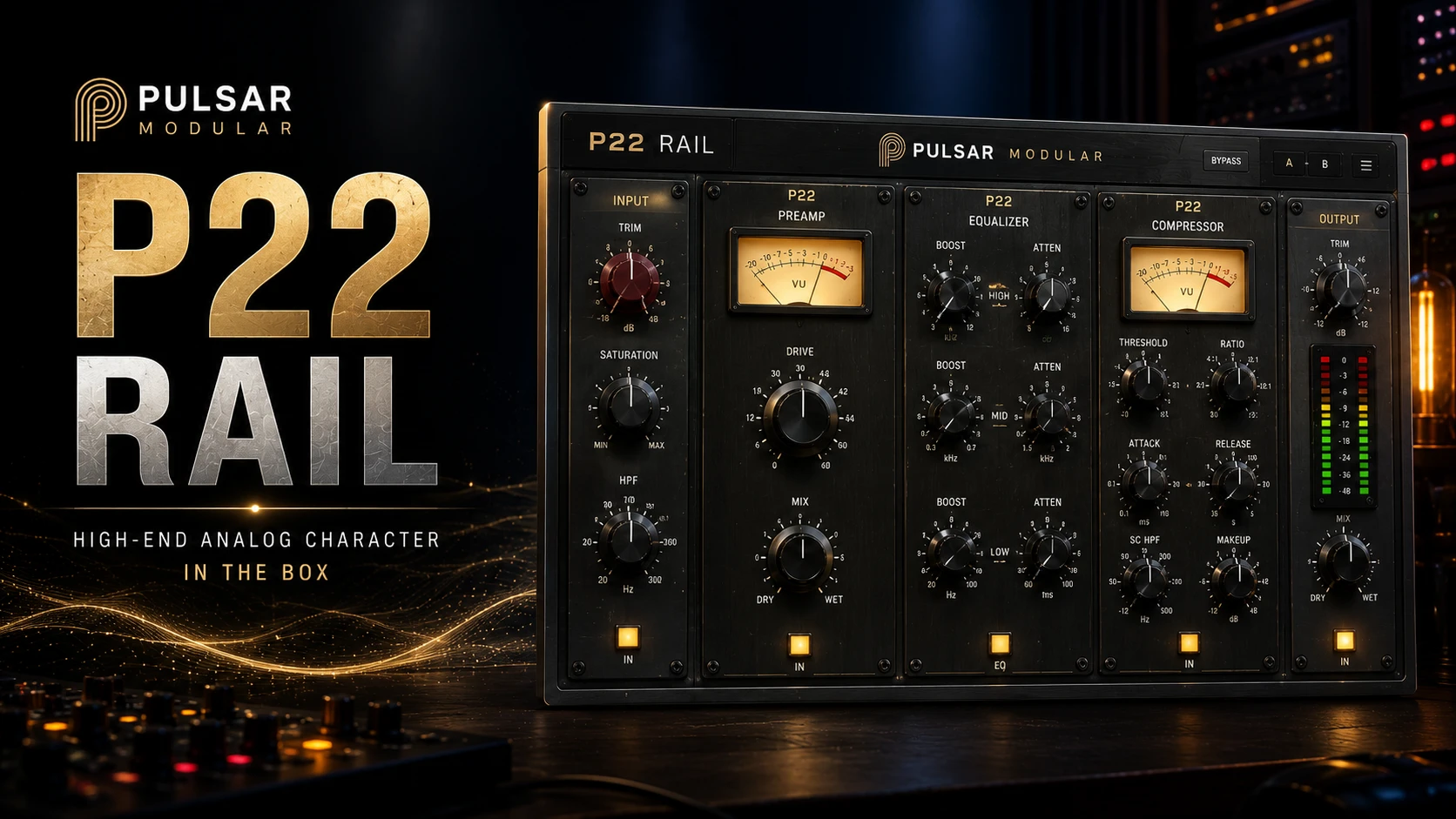
PULSAR MODULAR • CLIPPING & MASTERING
Pulsar Modular P22 RAIL
A modern time-domain A/D clipper with a stabilizing engine, three distinct clipping flavors, 3-sample latency, and Stereo & Immersive editions for modern mixing, mastering and immersive audio workflows.
MODERN
SHARP
VINTAGE
3-Sample Latency
VST3 • AU • AAX
Immersive up to 9.1.6
Pulsar Modular P22 RAIL takes a focused approach to clipping by combining a stabilizing engine with a fixed clipping rail. Instead of simply flattening peaks, RAIL prepares the signal before clipping and gives you three different sonic characters for shaping the final result.
What Is Pulsar Modular P22 RAIL?
Pulsar Modular P22 RAIL is a time-domain A/D clipper designed for controlled loudness, peak shaping and creative clipping in modern production workflows.
Its stabilizing engine operates ahead of the clipping rail, helping prepare peaks before they reach the final clipping stage. This allows the processor to focus its clipping action on the remaining peaks while helping retain the leading edge and impact of transients.
The result is a streamlined workflow built around three main decisions: select the clipping flavor, adjust DRIVE, and listen carefully to the result.
3
Clipping Flavors
3
Samples Latency
18 dB
Maximum DRIVE
9.1.6
Immersive Support
Explore Pulsar Modular P22 RAIL
Explore Pulsar Modular P22 RAIL on PluginsBoutique for a dedicated clipping solution designed for mixing, mastering and immersive workflows.
How Does P22 RAIL Work?
P22 RAIL combines a stabilizing stage with a fixed 0 dBFS clipping rail. The stabilizing engine prepares the incoming peaks before they reach the clipping stage.
The DRIVE control then determines how deeply the program is pushed into the rail. As DRIVE increases, the amount of clipping and the character of the selected flavor become more pronounced.
Stabilize First. Clip Second.
The central idea behind P22 RAIL is simple: prepare the peaks before clipping them, then use the rail to shape what remains. This provides a more controlled approach to increasing loudness while retaining transient character.
Three Different Clipping Flavors
One of the most important features of P22 RAIL is its three selectable clipping flavors. Each one changes the way the processor responds and gives the engineer a different sonic direction.
Clean & Transparent
MODERN
MODERN provides the cleanest response of the three flavors and is suited to situations where you want peak control and loudness without deliberately adding strong coloration.
Defined & Forward
SHARP
SHARP provides a more defined clipping edge with additional presence and transient focus. It can work especially well with rhythmic and highly produced material.
Warm & Harmonic
VINTAGE
VINTAGE delivers a warmer and richer character with asymmetric harmonic behavior. It can be useful when additional body and harmonic color are desirable.
MODERN: Transparent Peak Control
MODERN is the natural starting point when transparency is the priority.
It allows the engineer to increase level and control peaks while keeping the added sonic character relatively subtle. This makes it useful for material that already has a strong tonal identity and does not need additional coloration.
SHARP: More Edge and Presence
SHARP takes a more assertive approach to clipping. Its defined character can add additional edge and forward energy to the material.
It can be particularly interesting on drums, electronic music, rhythmic buses and other sources where a stronger sense of impact is desirable.
VINTAGE: Warmth and Harmonic Character
VINTAGE is the warmest of the three P22 RAIL flavors. Its asymmetric behavior gives the clipping process a richer harmonic character.
This makes it a useful option when the goal is not only loudness, but also additional warmth, density and sonic personality.
Understanding the DRIVE Control
DRIVE is the main control for determining how strongly the program is pushed into the clipping stage.
The control ranges from 0 to 18 dB. Starting at 0 dB allows you to hear the source without additional drive, after which you can gradually increase the amount until the desired clipping depth is reached.
- 0–18 dB DRIVE range
- Controls how deeply the signal enters the clipper
- Works with all three clipping flavors
- CLIP DEPTH provides visual feedback
- Designed for adjustment by ear and meter together
A Simple Starting Workflow
A practical way to approach P22 RAIL is to begin with DRIVE at 0 and gradually increase it while monitoring the clipping depth.
Once the desired amount of clipping is reached, audition MODERN, SHARP and VINTAGE. The best choice depends on whether the material benefits most from transparency, edge or warmth.
1. Set DRIVE
Start conservatively and increase DRIVE until the desired amount of peak shaping and loudness is reached.
2. Choose the Flavor
Compare MODERN, SHARP and VINTAGE and select the character that best fits the source.
3-Sample Latency
P22 RAIL operates with only 3 samples of latency. That extremely low latency makes it useful not only for conventional studio production, but also for low-latency live applications.
The processor can therefore fit into mixing, mastering, bus processing and live front-of-house workflows.
01
Mastering
Use P22 RAIL as a dedicated clipping stage near the end of a mastering chain.
02
Mix Bus
Add controlled peak shaping, density and character to stereo mixes and buses.
03
Live Audio
The 3-sample latency makes RAIL suitable for low-latency live workflows.
04
Immersive Audio
The Immersive edition extends the processor to multichannel layouts through 9.1.6.
Stereo Edition
The Stereo edition is designed for mono and stereo buses and provides the complete P22 RAIL clipping engine and its three sonic flavors.
This makes it a straightforward option for standard mixing and mastering environments.
Immersive Edition
P22 RAIL Immersive extends the processor into multichannel and immersive production.
Supported layouts extend from mono and stereo through LCR, Quad, 5.0, 5.1, 7.0, 7.1, 7.1.2, 7.1.4 and 9.1.6.
The Immersive edition is designed to process the main channels as a coherent program while maintaining the spatial relationship between channels.
- Mono and Stereo
- LCR
- Quad
- 5.0 and 5.1
- 7.0 and 7.1
- 7.1.2
- 7.1.4
- 9.1.6
Monitoring and Metering
P22 RAIL provides dedicated metering and monitoring information to help engineers evaluate what the processor is doing.
PK
PK IN
Shows the level entering the clipping stage.
CD
CLIP DEPTH
Shows how deeply the program is entering the clipping stage.
LU
LUFS-I
Provides integrated loudness information for evaluating overall program level.
TP
TRUE PEAK
Provides true-peak monitoring information for checking the processed signal.
P22 RAIL for Mastering
P22 RAIL can work effectively as a dedicated clipping stage near the end of a mastering chain.
Its three flavors allow the engineer to decide whether the final stage should remain relatively transparent, become more defined, or introduce additional warmth and harmonic character.
For final delivery, a dedicated true-peak limiter can be placed after the clipper when true-peak compliance is required.
P22 RAIL on Mix Buses
RAIL is also useful beyond the mastering stage. Placed on a mix bus or subgroup, it can provide additional density and peak control while allowing the engineer to select a specific clipping personality.
P22 RAIL with P21 Atlas
Pulsar Modular's processing concept also allows P22 RAIL to work alongside P21 Atlas.
In this type of workflow, Atlas can be used to stabilize the program before RAIL performs the final clipping stage.
Atlas Stabilizes. RAIL Clips.
The two processors can complement each other when you want to prepare peaks before applying the final clipping stage.
Plugin Formats and Compatibility
macOS
- Apple Silicon
- Intel processors
- VST3
- AU
- AAX
Windows
- Windows 10 or newer
- x64-compatible CPU
- VST3
- AAX
Who Is P22 RAIL For?
01
Mastering Engineers
For controlled clipping and additional loudness near the end of a mastering chain.
02
Mix Engineers
For bus processing, peak shaping and additional sonic density.
03
Electronic Producers
For drums, electronic mixes and rhythmic material that benefits from controlled clipping.
04
Immersive Engineers
For multichannel and immersive workflows through 9.1.6.
Explore P22 RAIL on PluginsBoutique
If you want a dedicated clipper with three distinct sonic characters, extremely low latency and immersive support, explore Pulsar Modular P22 RAIL on PluginsBoutique.
Final Verdict
Pulsar Modular P22 RAIL takes a modern and focused approach to clipping. Its stabilizing engine prepares the signal before it reaches the clipping rail, while the three available flavors give engineers meaningful control over the final sonic character.
MODERN is the clean option, SHARP provides additional edge and presence, and VINTAGE brings warmth and harmonic richness.
With 3-sample latency, VST3, AU and AAX support, Stereo and Immersive editions, and immersive layouts through 9.1.6, P22 RAIL is designed to fit a wide range of professional production environments.
For producers and engineers looking for a clipper that combines straightforward operation with different sonic personalities, P22 RAIL is a compelling addition to a modern mixing or mastering toolkit.
Frequently Asked Questions
What is Pulsar Modular P22 RAIL?
P22 RAIL is a time-domain A/D clipper with a stabilizing engine positioned ahead of the clipping rail.
What are the three P22 RAIL flavors?
The three flavors are MODERN, SHARP and VINTAGE.
Which P22 RAIL flavor is the cleanest?
MODERN is designed as the cleanest and most transparent of the three flavors.
What does SHARP sound like?
SHARP provides a more defined clipping edge with additional presence and transient focus.
What does VINTAGE do?
VINTAGE provides a warmer and richer character with additional harmonic coloration.
How much latency does P22 RAIL have?
P22 RAIL has only 3 samples of latency.
What is the DRIVE range?
The DRIVE control ranges from 0 to 18 dB.
Does P22 RAIL work on Mac?
Yes. P22 RAIL supports macOS on both Apple Silicon and Intel processors.
Does P22 RAIL work on Windows?
Yes. Windows 10 or newer with an x64-compatible CPU is supported.
Which plugin formats are supported?
P22 RAIL supports VST3, AU and AAX.
Is there an Immersive version?
Yes. The Immersive edition supports multichannel formats through 9.1.6.
Can P22 RAIL be used for mastering?
Yes. It can be used as a clipping stage near the end of a mastering chain.
Can P22 RAIL be used on a mix bus?
Yes. It can be used on mix buses and other groups for peak shaping, density and clipping character.
Can P22 RAIL be used for immersive audio?
Yes. The Immersive edition supports layouts including 7.1.2, 7.1.4 and 9.1.6.
Can P22 RAIL be used with P21 Atlas?
Yes. Atlas can be used as a stabilizing stage before P22 RAIL performs the clipping stage.
Explore Pulsar Modular P22 RAIL
Three clipping flavors, 3-sample latency and support for professional stereo and immersive workflows.
View Pulsar Modular P22 RAIL →
PLUGINSBOUTIQUE








