Try our service free
→ Discover complimentary downloads without needing a payment method.
Browse free




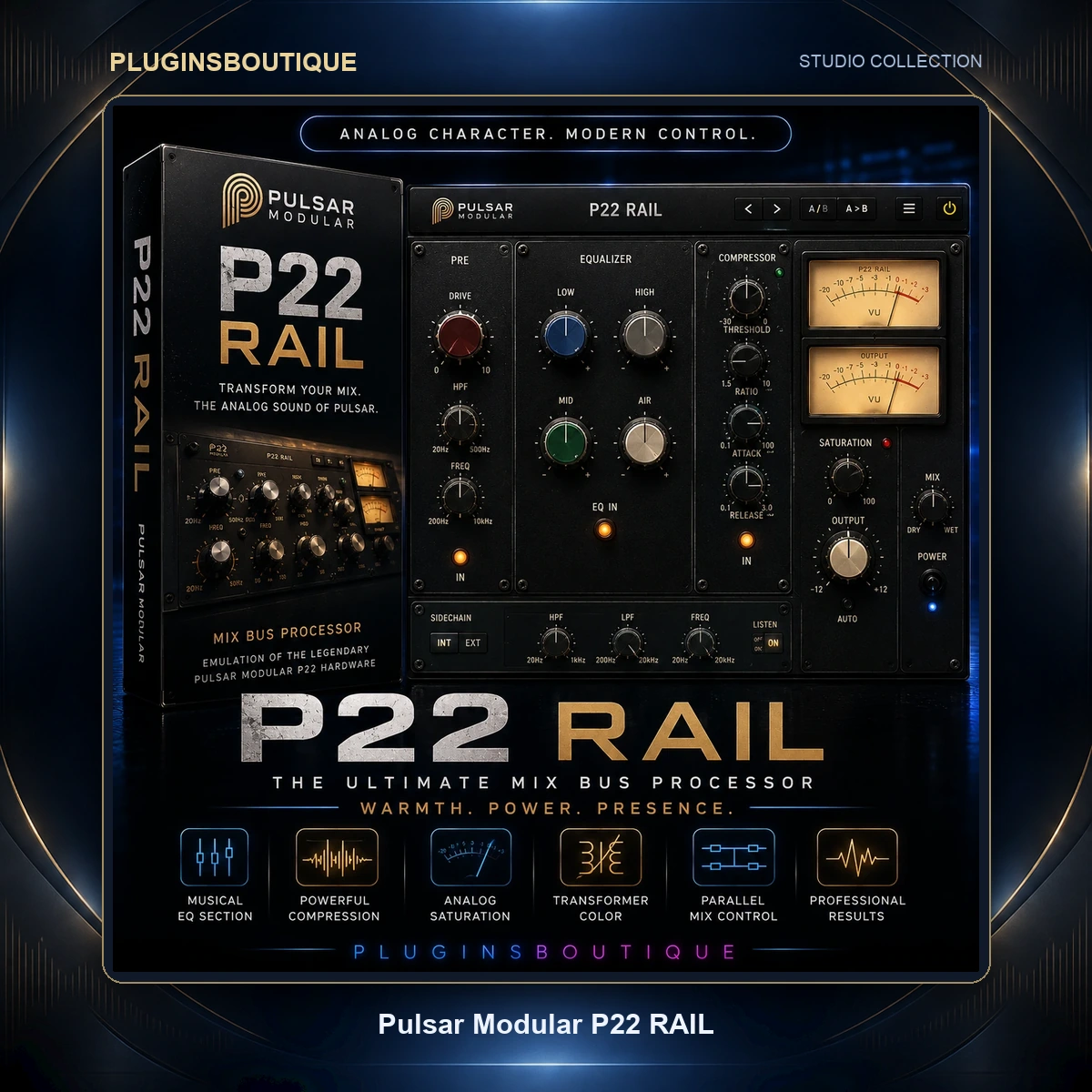


Pulsar Modular P22 RAIL
Pulsar Modular P22 RAIL is a time-domain A/D clipper designed to deliver increased loudness while allowing the engineer to choose the character of the clipping.
Rather than relying on a conventional threshold and release workflow, P22 RAIL uses a stabilizing engine ahead of a fixed 0 dBFS rail. The stabilizer prepares peaks before they reach the clipping stage, allowing RAIL to shape what remains while helping retain the leading edge of transients.
The result is a focused clipping workflow built around three main decisions: choose a flavor, set DRIVE, and listen.
Three Distinct Clipping Flavors
P22 RAIL provides three different clipping flavors, each with its own sonic character.
MODERN provides the cleanest and most transparent response. It is designed for situations where additional loudness and peak control are required without deliberately adding coloration.
SHARP offers a more defined edge with additional presence and transient focus. It can be particularly useful on rhythmic and produced material where additional snap and forward energy are desirable.
VINTAGE delivers a warmer and richer character. Its asymmetric behavior produces harmonic richness and allows it to tolerate more drive while maintaining its sonic identity.
Stabilizing Engine
At the heart of P22 RAIL is a stabilizing engine based on the design approach used in Pulsar Modular P21 Atlas.
The engine operates before the clipping rail, preparing peaks before they are clipped. This allows RAIL to focus its clipping action on the peaks the stabilizer does not catch rather than simply flattening everything that crosses the rail.
This design is intended to preserve transient impact while providing the additional density and loudness associated with clipping.
DRIVE Control
The main performance control is DRIVE.
DRIVE ranges from 0 to 18 dB and determines how deeply the program is driven into the clipper.
At 0 dB, RAIL adds no drive of its own. Increasing DRIVE pushes more of the program across the rail, increasing both loudness and the character of the selected flavor.
Pulsar Modular recommends starting with DRIVE at 0 and gradually increasing it until CLIP DEPTH reaches approximately 2–3 dB on loud peaks. The flavor can then be selected based on the character that best serves the material.
MATCH and BYPASS
P22 RAIL includes MATCH and BYPASS controls for easier evaluation.
MATCH allows the processed signal to be compared at a matched level, helping engineers judge the actual sonic effect of the clipping instead of simply preferring the louder signal.
This is particularly useful when comparing MODERN, SHARP and VINTAGE.
TRIM Control
TRIM provides output-level control from unity down to −30 dB.
This allows the engineer to establish the desired output level after selecting the clipping character and DRIVE amount.
3-Sample Latency
P22 RAIL operates with only 3 samples of latency.
The manufacturer describes this as fast enough for live front-of-house use, making the plugin suitable for studio mixing, mastering, bus processing and low-latency applications.
Stereo Edition
The Stereo edition provides the complete P22 RAIL engine and all three flavors for mono and stereo buses.
It is suitable for conventional mixing and mastering workflows where the processing target is a mono or stereo signal.
Immersive Edition
P22 RAIL Immersive extends the same clipping engine to multichannel and immersive workflows.
It supports channel layouts from mono and stereo through LCR, Quad, 5.0, 5.1, 7.0, 7.1, 7.1.2, 7.1.4 and 9.1.6.
The Immersive edition treats the main channels as one coherent program and clips them consistently so the spatial image remains controlled as the signal is driven into the rail.
The LFE channel is monitored but not clipped and remains time-aligned with the main channels. Additional immersive monitoring includes LFE PEAK and CLIP BAL information.
Designed for Mixing and Mastering
P22 RAIL can be used at the end of a mix or mastering chain when additional loudness and peak shaping are required.
Its straightforward workflow makes it easy to establish a reference, increase DRIVE, audition the three flavors and then use MATCH and BYPASS to evaluate the result.
Use on Mix Buses
RAIL can also be used on individual buses and groups.
The three flavors provide different options depending on whether the material needs transparency, additional edge or a warmer and fuller character.
Use for Mastering
For mastering applications, P22 RAIL can provide the final clipping stage before delivery.
Pulsar Modular recommends using a dedicated true-peak limiter last in the chain because RAIL reports true-peak information but does not guarantee true-peak compliance.
P22 RAIL with P21 Atlas
Pulsar Modular describes a workflow in which P21 Atlas can stabilize the program before P22 RAIL performs the final clipping.
In this approach, Atlas prepares the signal and RAIL then drives the stabilized program into the clipping rail.
Plugin Formats
P22 RAIL supports:
- VST3
- AU
- AAX
macOS support includes Apple Silicon and Intel processors, while Windows support requires Windows 10 or newer with an x64-compatible CPU.
Technical Specifications
| Feature | Details |
|---|---|
| Plugin Type | Time-domain A/D clipper |
| Stabilizing Engine | Yes |
| Flavors | MODERN, SHARP, VINTAGE |
| DRIVE | 0–18 dB |
| TRIM | Unity to −30 dB |
| Latency | 3 samples |
| Formats | VST3, AU, AAX |
| Stereo Channels | Mono and Stereo |
| Immersive Channels | Mono through 9.1.6 |
| macOS | Apple Silicon & Intel |
| Windows | Windows 10+ |
| Immersive Edition | Available |
| Monitoring | PK IN, CLIP DEPTH, CLIP %, TP, TP MAX, LUFS-I, LRA |
| Immersive Monitoring | LFE PEAK, CLIP BAL |
Who Is P22 RAIL For?
P22 RAIL is designed for producers, mix engineers, mastering engineers and audio professionals who want a dedicated clipping stage with selectable sonic character.
It is particularly useful for:
- Mastering engineers
- Mix engineers
- Electronic music producers
- Music producers
- Film and television mixers
- Immersive and Atmos engineers
- Live front-of-house engineers
- Stereo and multichannel workflows
Final Verdict
Pulsar Modular P22 RAIL takes a deliberately focused approach to clipping.
Instead of making the engineer continuously manage a traditional threshold, RAIL combines a stabilizing engine with a fixed clipping rail and three selectable sonic flavors.
MODERN offers transparent peak control, SHARP adds edge and presence, while VINTAGE delivers warmth, body and harmonic richness.
With 3-sample latency, VST3/AU/AAX support and both Stereo and Immersive editions, P22 RAIL is built for modern mixing, mastering and immersive audio workflows.
For engineers who want a straightforward clipper where the character is chosen first and the amount of drive comes second, P22 RAIL offers a distinctive approach to loudness and peak control.











Reviews
Clear filtersThere are no reviews yet.