Try our service free
→ Discover complimentary downloads without needing a payment method.
Browse free





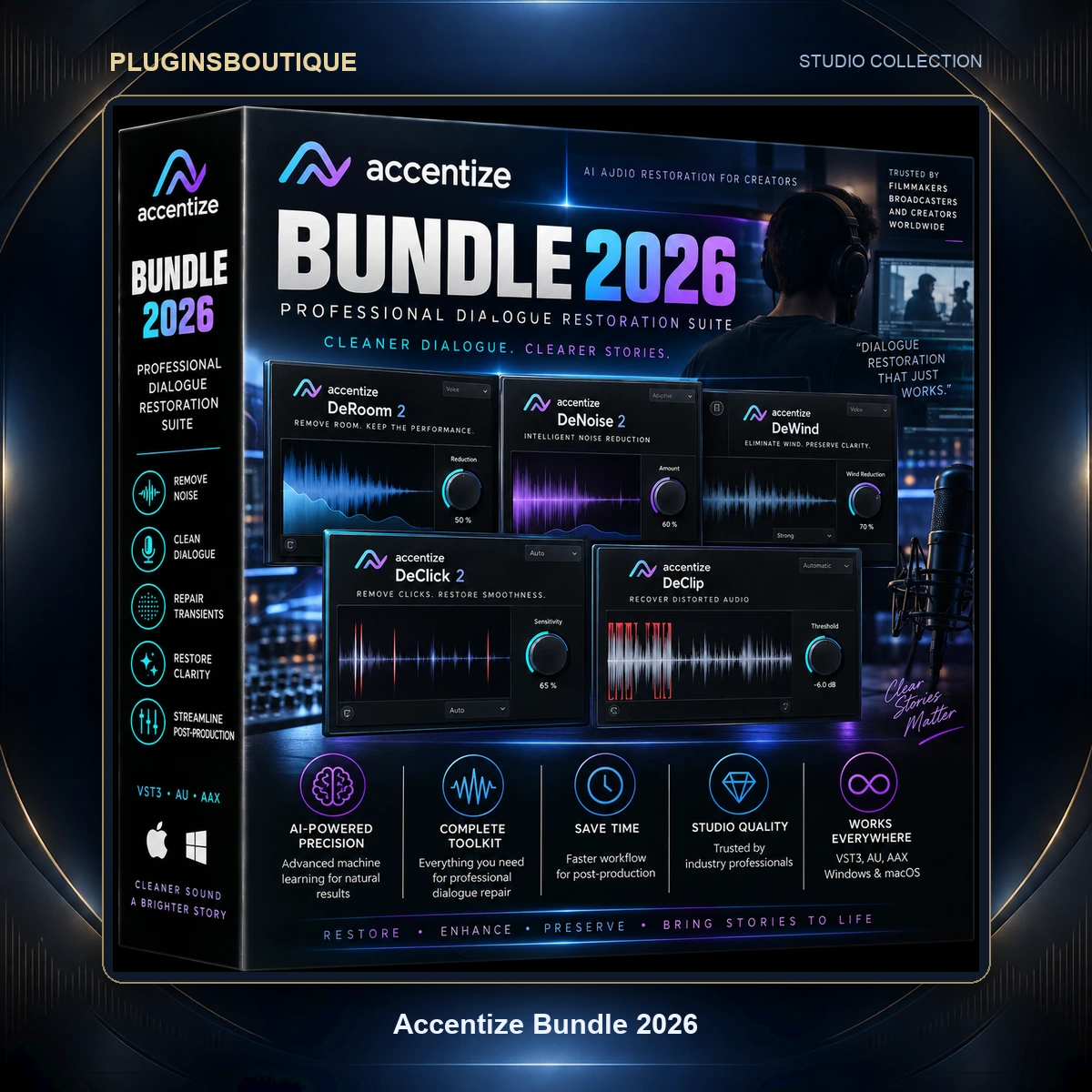


Accentize Bundle 2026 – Professional Dialogue Restoration Suite
Modern dialogue production often involves recordings captured under completely different conditions. A production microphone may capture a clean voice in one location, while another take contains room reflections, background noise, tonal differences, codec artifacts, or missing frequency information.
The Accentize Bundle 2026 brings together six specialized tools designed to address these challenges efficiently.
Rather than relying exclusively on traditional EQ, compression, gating, denoising, and conventional reverb processing, the Accentize ecosystem uses intelligent audio-processing techniques to analyze recordings and assist with difficult restoration and matching tasks.
From separating a problematic dialogue recording into voice, reverb, and noise to reconstructing the acoustic character of a production location, this collection is built around practical post-production problems.
What’s Included in Accentize Bundle 2026?
Accentize dxSplit v1.0.1
dxSplit is designed to separate dialogue recordings into three independently controllable components:
- Voice
- Reverb
- Noise
Accentize describes dxSplit as an intelligent multi-tool for dialogue recordings that automatically splits the incoming audio into these three sections. Each component can then be balanced and processed independently.
This makes it particularly useful when a dialogue recording contains unwanted environmental noise or excessive room information.
Instead of treating the entire recording as one signal, dxSplit gives the editor separate control over the different components.
Each component also has its own parametric EQ, allowing further tonal shaping without leaving the plugin.
The plugin also integrates directly with dxRevive, allowing restoration processing to be combined within the dxSplit workflow.
Version: 1.0.1
Accentize Chameleon 2 v2.1.5
Chameleon 2 focuses on intelligent reverb matching.
The plugin analyzes the reverb characteristics contained within a reference recording and creates a reverb profile that can be applied to another signal. This makes it particularly useful for ADR, Foley, dialogue replacement, and situations where newly recorded material needs to sound as though it belongs in the original production environment.
Instead of manually trying to recreate the acoustic character of a room using conventional reverb controls, Chameleon can learn the characteristics from an existing recording.
The standard version supports mono and stereo workflows and provides visualization of the analyzed reverb profile.
Accentize lists applications including:
- ADR matching
- Foley matching
- Dialogue replacement
- Instrument processing
- Sound design
- Room-character matching
Version: 2.1.5
Accentize ChameleonSurround v1.1.3
For immersive and multichannel production, ChameleonSurround extends the Chameleon concept into surround environments.
It can work with mono, stereo and multichannel configurations, including immersive setups such as 5.1, 7.1 and 9.1.6.
This makes it particularly useful for:
- Film
- Television
- Dolby Atmos-style workflows
- Gaming
- Immersive sound design
- Multichannel post-production
ChameleonSurround can analyze a reference and estimate the acoustic characteristics of the environment, helping dialogue, Foley and effects sit more naturally inside an immersive mix.
Accentize’s version history identifies ChameleonSurround v1.1.3 and notes a fix related to potential crashes caused by the 3D visualization.
Version: 1.1.3
Accentize DeRoom Pro 2 v2.0.7
DeRoom Pro 2 is designed to reduce unwanted room reflections and reverberation.
This is especially valuable when dialogue has been recorded in untreated rooms, reflective environments, offices, bedrooms, kitchens, halls, or other locations where controlling the recording environment was difficult.
Instead of simply applying conventional noise reduction, DeRoom focuses on the unwanted acoustic reflections surrounding the direct voice.
Accentize describes DeRoom as a machine-learning-based reverb removal plugin trained on different room scenarios to separate direct sound from reflection components.
Potential applications include:
- Dialogue cleanup
- ADR preparation
- Podcast restoration
- Voice-over cleanup
- Film and television post
- Location recording restoration
- Home-recorded dialogue
Version: 2.0.7
Accentize dxRevive Pro v1.2.8
dxRevive Pro is the restoration centerpiece of the bundle.
The plugin is designed to improve damaged, degraded, or otherwise problematic speech recordings by restoring information that may have been lost during recording or transmission.
Rather than simply filtering unwanted frequencies, dxRevive uses restoration algorithms designed to reconstruct missing frequency components and improve the perceived quality of speech.
Accentize describes dxRevive Pro as capable of addressing problems such as:
- Noise
- Reverb
- Missing frequencies
- Codec artifacts
- Poor-quality speech recordings
Accentize has also highlighted dxRevive Pro’s restoration algorithms and spectral processing features in its development history.
This makes it useful when the original recording is too compromised for traditional EQ and dynamics processing alone.
Version: 1.2.8
Accentize SpectralBalance2 v1.0.0
SpectralBalance² is designed to solve one of the most common dialogue-post problems: getting different recordings to sound tonally consistent.
Different microphones, rooms, recording distances and production conditions can produce noticeably different frequency balances.
SpectralBalance² analyzes a reference recording and automatically shapes the input signal to match its spectral characteristics. Accentize specifically positions it for ADR, voice replacement and spoken-word editing.
The current SpectralBalance² design includes:
- More precise spectral matching
- Faster analysis
- Smoother operation
- Reference profiles
- Save and recall functionality
- Conventional EQ controls
- Gain
- Frequency
- Q
Version: 1.0.0
A Complete Dialogue Post-Production Workflow
The strength of the Accentize Bundle 2026 comes from the way the six plugins complement one another.
For example, a problematic location recording could first be separated with dxSplit, allowing the editor to independently control voice, room and noise.
DeRoom Pro 2 can then help reduce unwanted room reflections.
If the recording contains degraded speech or missing frequency information, dxRevive Pro can be used for restoration.
When replacing a production line with ADR, Chameleon 2 can analyze the original room and help recreate its acoustic character.
For immersive projects, ChameleonSurround extends that concept to multichannel and immersive environments.
Finally, SpectralBalance2 can help match the tonal character between different dialogue takes.
This creates a workflow that addresses several of the most difficult problems encountered in dialogue post-production.
Ideal for
- Film & TV post-production
- ADR
- Foley
- Voice-over
- Podcast production
- YouTube dialogue
- Audiobooks
- Documentary production
- Game audio
- Broadcast
- Immersive audio
- Dialogue restoration
- Sound design
Key Features
- Six professional Accentize plugins
- Intelligent dialogue restoration
- Voice / reverb / noise separation
- Machine-learning-based processing
- Reverb matching
- Surround and immersive reverb matching
- Room-reflection reduction
- Speech restoration
- Spectral EQ matching
- Reference-profile workflows
- dxRevive integration with dxSplit
- Mono, stereo and multichannel workflows where supported
- Designed for professional post-production
Included Versions
Accentize dxSplit ............... v1.0.1
Accentize Chameleon 2 ........... v2.1.5
Accentize ChameleonSurround ..... v1.1.3
Accentize DeRoom Pro 2 .......... v2.0.7
Accentize dxRevive Pro .......... v1.2.8
Accentize SpectralBalance2 ...... v1.0.0
FAQ
What is Accentize Bundle 2026?
Accentize Bundle 2026 is a collection of six professional audio plugins focused on dialogue restoration, reverb matching, room cleanup, speech enhancement and spectral balancing.
Which plugins are included?
The bundle includes dxSplit, Chameleon 2, ChameleonSurround, DeRoom Pro 2, dxRevive Pro and SpectralBalance2.
Is Accentize Bundle useful for film and TV?
Yes. Accentize’s professional tools are specifically designed around post-production workflows such as dialogue restoration, ADR, Foley and room matching.
What does dxSplit do?
dxSplit separates dialogue into Voice, Reverb and Noise components so they can be independently balanced and EQ’d.
What does Chameleon 2 do?
Chameleon analyzes a reference recording’s acoustic characteristics and creates a matching reverb profile that can be applied to another recording.
What is ChameleonSurround used for?
ChameleonSurround is designed for multichannel and immersive reverb matching, supporting configurations including 5.1, 7.1 and 9.1.6.
What does dxRevive Pro do?
dxRevive Pro is designed to restore degraded speech, including recordings affected by noise, reverb, missing frequency information and codec artifacts.
What does SpectralBalance2 do?
SpectralBalance² analyzes a reference recording and automatically shapes the input EQ to match its spectral characteristics, helping dialogue from different recordings achieve greater tonal consistency.











Reviews
Clear filtersThere are no reviews yet.